Recent Files
The Recent Files webpart is a user-specific webpart that displays the x amount of recently modified files for a particular user. This webpart scans through both SharePoint and OneDrive to display a comprehensive list of recently worked files.
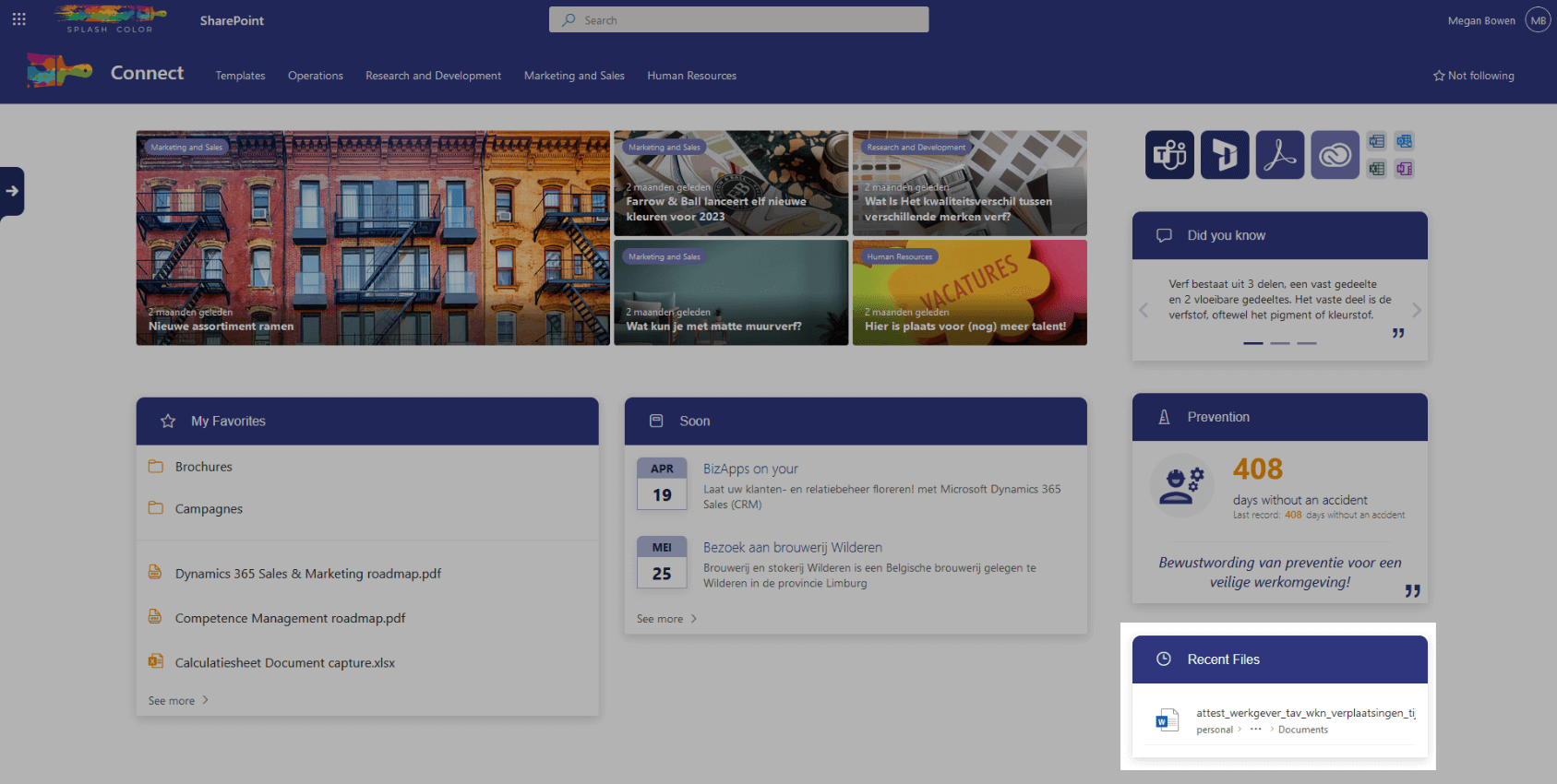
The Recent Files webpart makes it easy to keep your work organized and quickly access the documents you have been working on recently. It displays a preview of the file, the file name, where the file is located, and the date it was last modified.
This webpart is a time-saver for busy employees who need quick access to their most recent documents. The Recent Files webpart can be added to a dashboard or landing page in the intranet so that users can easily see their most recent documents without having to navigate through multiple pages.
Stay on top of your work with the Recent Files webpart and increase your productivity in the workplace.
Architecture
The Recent Files webpart is designed to be user-specific, meaning that it displays the last modified files by a specific user. To achieve this, the webpart makes use of the Microsoft Graph API, which is a RESTful web API that allows access to data and intelligence in Microsoft 365. With this API we fetch all the recently modified files from SharePoint and OneDrive.
Configuration options
Panel title
Here you can adjust the title text
Amount of files
Select the amount of files the webpart should display.