Ideabox
With the Ideabox, everyone in the company can submit their innovative ideas on a specific topic. Not only can users submit ideas, but they can also keep track of the status of their submissions.
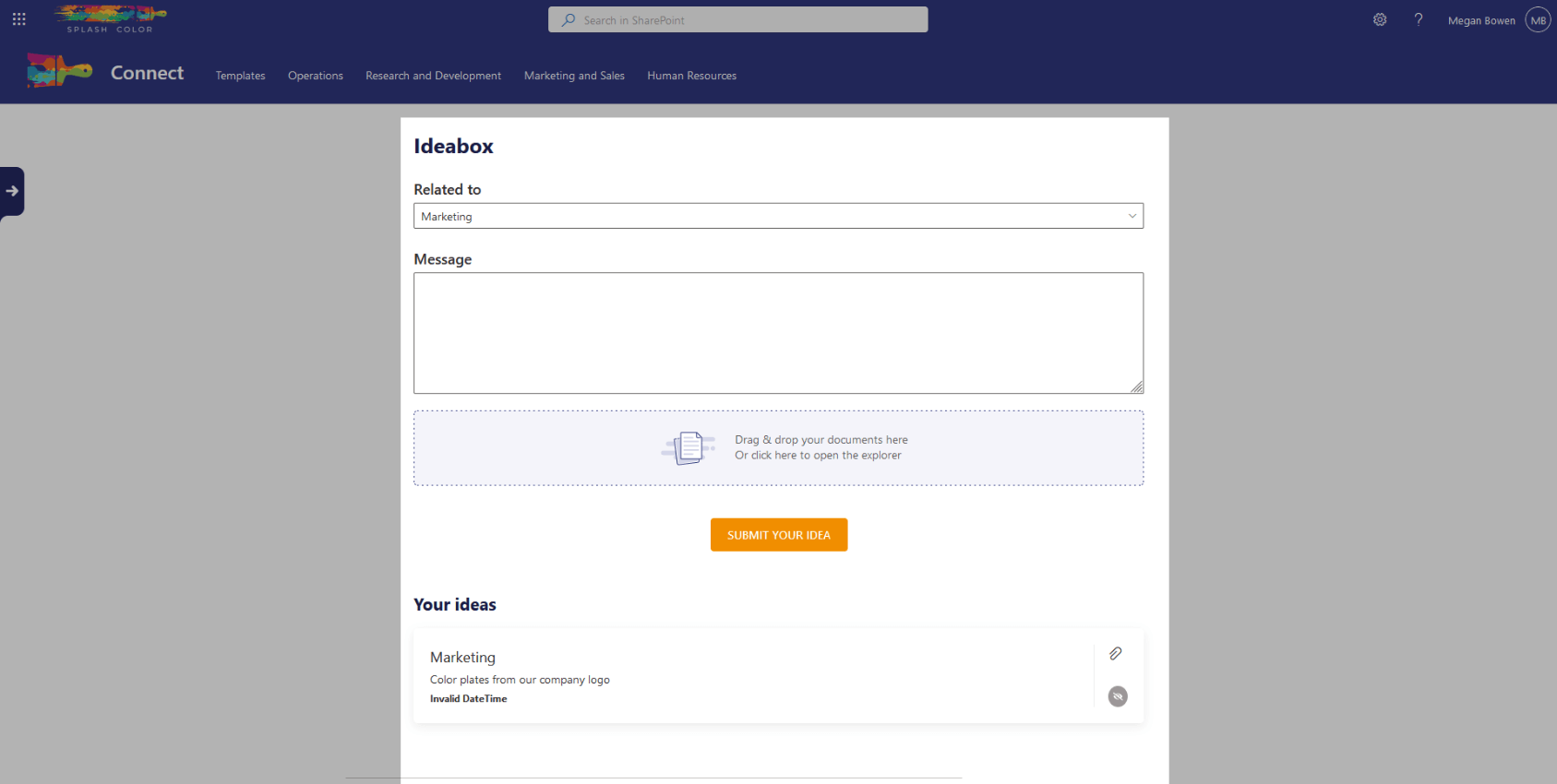
Submitting ideas is a piece of cake with Ideabox. You can choose the relevant topic, fill in a description of your idea in a textbox, and even attach files that can further support your idea. Once you submit the idea, it's time for the reviewers to take action. They can view the submitted ideas and determine which ones can make a difference. The reviewers can update the status of the idea to indicate whether it's under review, approved, or rejected.
Ideabox provides an excellent opportunity for employees to express their creativity and contribute to the growth of the company. So, what are you waiting for? Share your ideas today and make a difference tomorrow!
Architecture
The Ideabox webpart is built upon a simple architecture, making it easy to use and manage. The webpart reads a specific SharePoint list named Ideas. When a user submits an idea, the webpart creates a new item in the Ideas list with all the necessary information provided by the user. The user can add attachments such as documents, images, or any other type of file related to their idea. All these attachments are stored on that item as well.
On the other side, the reviewer can navigate to the same Ideas list to review and take necessary actions on the submitted ideas. They can filter the list based on various parameters like idea status, topic, or creator. This makes it easy to manage and organize ideas.