My Favorites
As the name suggests, My Favorites is a personalized webpart that allows you to bookmark and access your frequently used shortcuts on your organization's intranet. Whether it's a specific department page or a favorite file location on ABC Shortcuts, you can easily add them to your personal favorites list with just a click of a button.
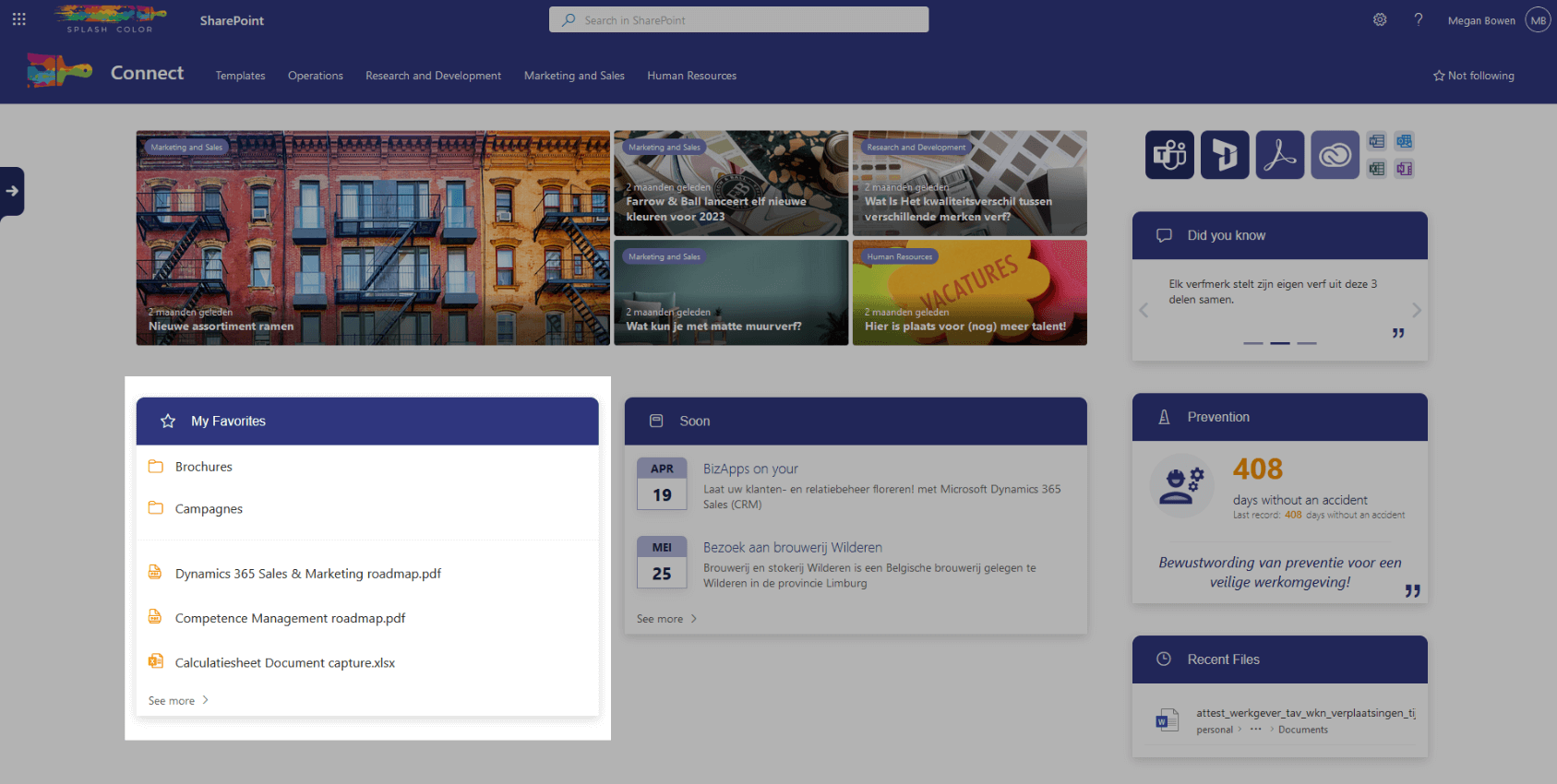
One of the best things about My Favorites is that it's unique to each individual. You don't have to worry about someone else's shortcuts cluttering up your webpart. You can personalize it to your liking and make it your go-to hub for all your essential intranet shortcuts.
The webpart is simple to use and highly intuitive. You can quickly add or remove shortcuts as needed to suit your workflow. With all your frequently visited pages and files in one central location, you'll save valuable time and effort.
In summary, the My Favorites webpart is a game-changer for anyone who frequently uses their organization's intranet. It's simple, intuitive, and highly customizable, making it the perfect hub for all your essential shortcuts. Try it out today and see the difference it can make in your productivity.
Architecture
At the heart of the My Favorites webpart is the UserPreferences list. This list stores all user-specific data related to the webpart. Every user has a record in this list, where all the ids of their favorite items are stored. This makes it easy for the webpart to access and display your favorite shortcuts whenever you need them.
The UserPreferences list is highly customizable and can be extended to store additional user-specific data as needed. This makes it a versatile solution for
organizations of any size.
Configuration options
Number of items
With this, you can adjust the number of shortcut items the webpart should display
Show files
If this is set to true, then the webpart will also display all their favorite files from the webpart ABC Shortcuts